WEB DESIGN
THE BRIEF
This is how I learnt to code a website and design a website portfolio using HTML and CSS. The website I have created showcases some of my most recent projects and has given me a platform to build an impressive portfolio to be used for future job opportunities.
This project required me to write a 300 word "about me" section. I found it useful to think about my unique interests and skills and decide which of these I wanted to show off to potential future employers.
CONTENT AND LAYOUT
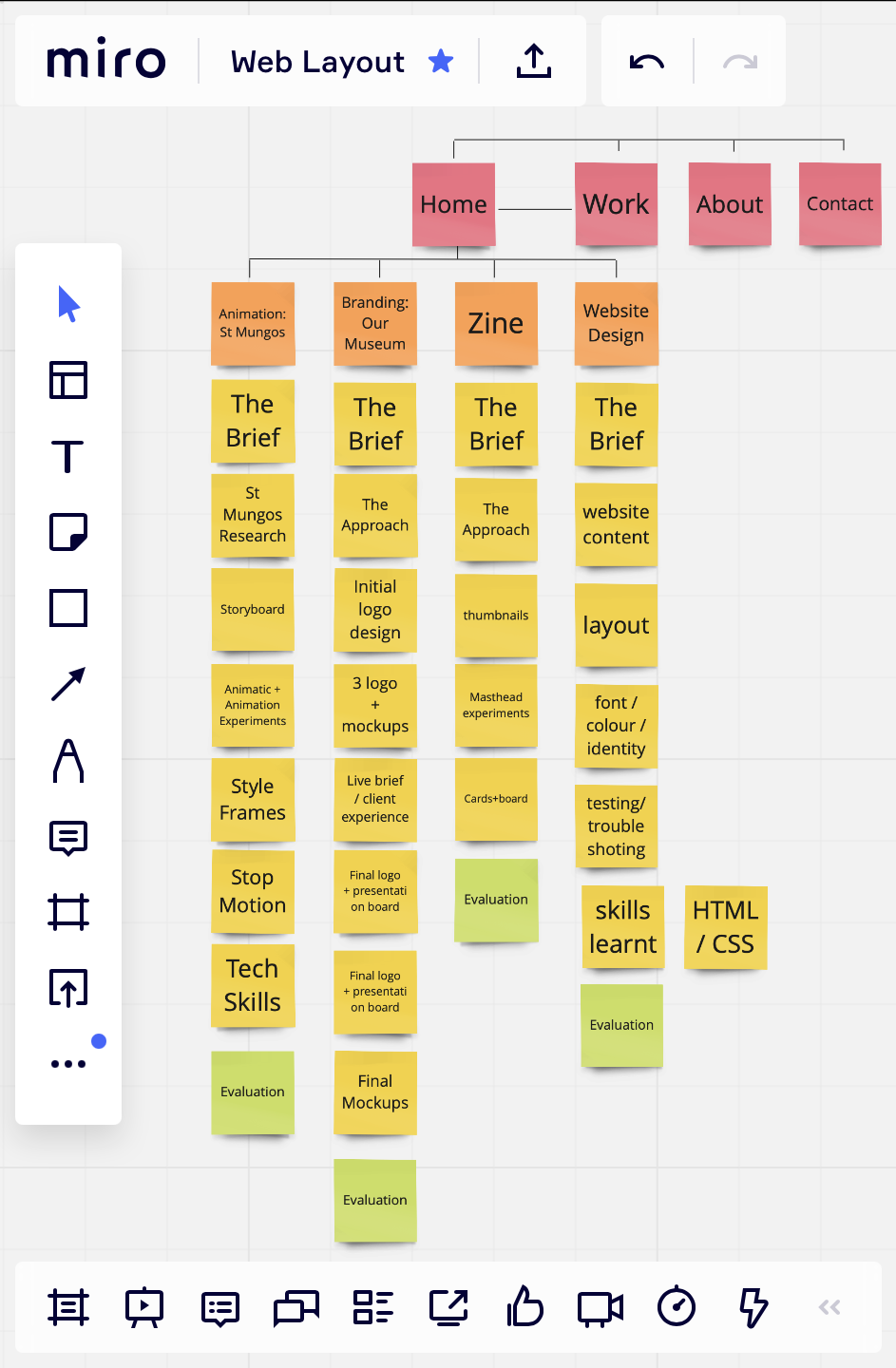
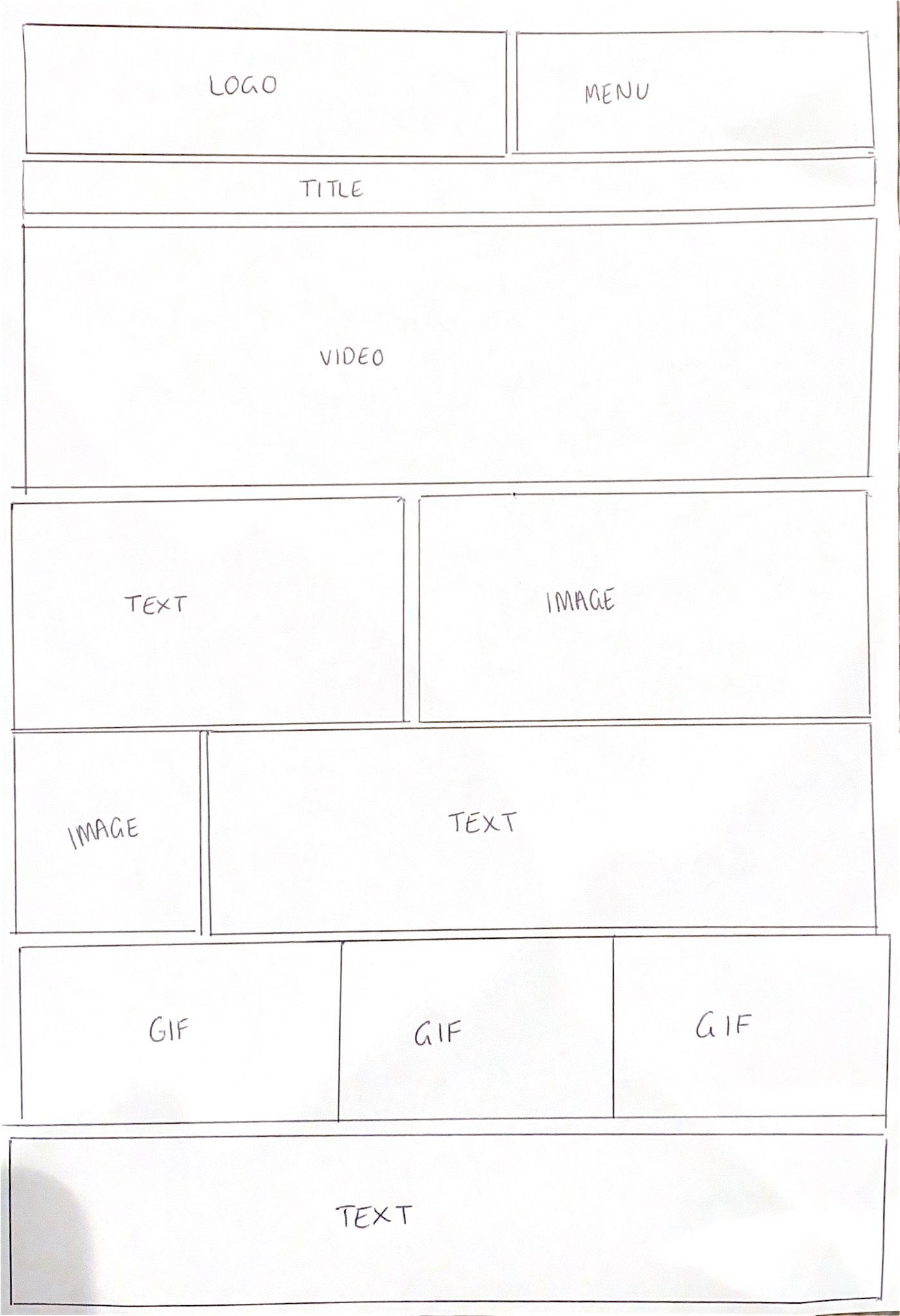
I used a site called Miro to plan out the content for my website. This helped me visually plan out my web pages, making it easier to start coding as I already knew where I wanted everything to go. Planning the content of my website before coding helped me to establish the storytelling aspect of my website through the layout of my projects. I used large images to showcase my work and text to explain the process and thinking behind each project. The navigation of my website is clear and easy to use to guide the user round my website successfully.
I also researched many portfolio and graphic design websites for inspiration on the aesthetic of my own website and the navigation I wanted to build. This research lead to drawing up templates for how I wanted my website to look and which content I wanted on which page.
COLOUR, TYPEFACE, IDENTITY
My love for simple, clean and minimal design inspired me to create this simple, yet bold website. I used a black and white colour palette as I wanted to keep the simple design theme throughout my website.
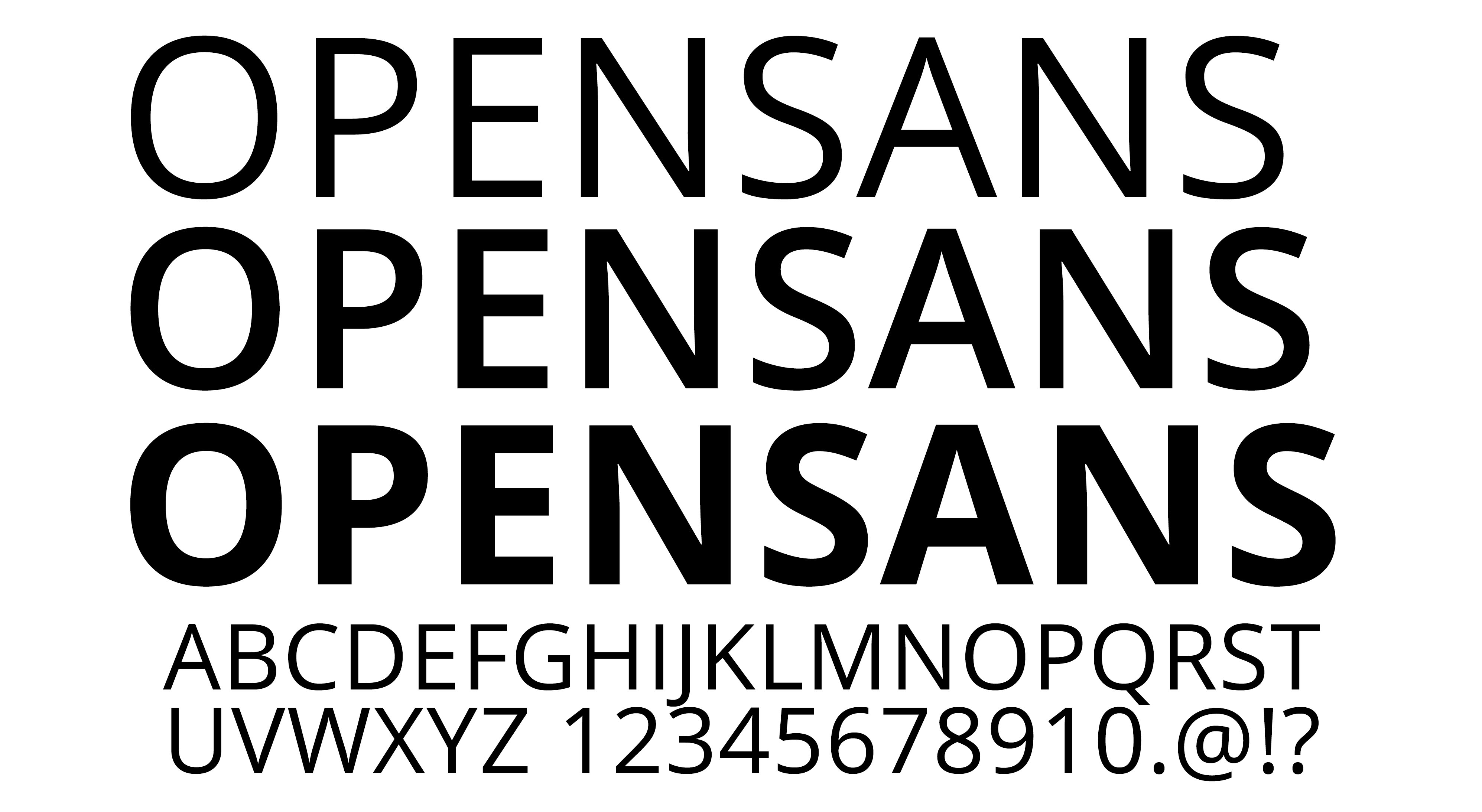
I chose to use Open Sans as the universal typeface for my website as it compliments the design of the website inspired by minimal layouts and typefaces; whilst also being legible to ensure my work is labelled and explained with a clear font.
I designed a personal logo that was bold and sharp to stand out. I decided to position the logo in the top left corner of my website, so that it is the first thing the viewer looks at when entering the site.
CSS AND HTML
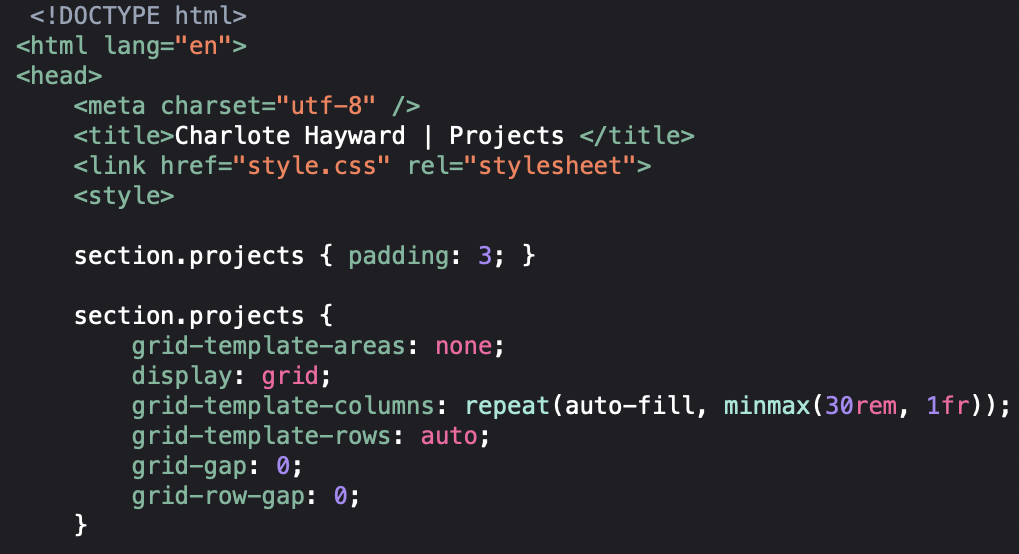
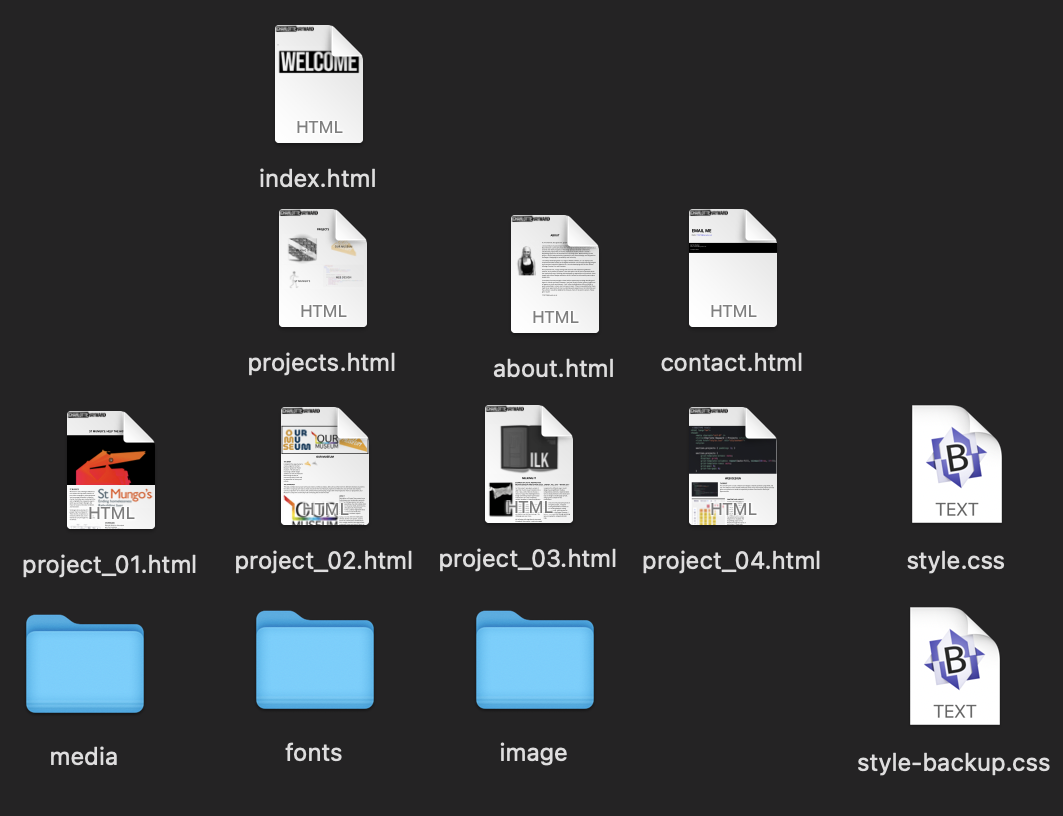
Understanding how to code was a big challenge for me. Resources such as ‘The Guide to CSS Grid’ and Zoom workshops with my tutors, helped me to develop a good amount of knowledge on CSS and HTML to create this website. During this project, I have also learnt new softwares such as BBedit and Firefox Web Developer which will be useful when making websites in the future. User testing also helped me to gain quality feedback on my website and a fresh pair of eyes to spot any mistakes.
EVALUATION
At the start of the project, I had no knowledge on coding, so I am very proud with the outcome of my website portfolio. I feel confident enough with the skills I have learnt in HTML and CSS to make a website in the future.
I enjoyed the problem-solving side to this project, I found it satisfying to use my knowledge and initiative to find the solution. Some problems were harder to solve than others however I overcame this issue despite the lack of physical support from my tutors, due to cCovid-19. However, websites such as W3schools and CSS-tricks really helped me to understand code and successfully reach the brief I was set.
I found it interesting learning how websites are built and how each page links together. I believe the skills I have learnt will be very useful to have in my career as having an online presence in any business is important.
It was a challenge for me to understand the grid and the properties within it at the start of the project. I found that I achieved the best results through trial and error which increased my confidence in coding, as I can now understand what the problem is, within CSS or HMTL, and how to fix it. If I was to start this project again, I would tell myself to be less hesitant and get stuck in from the start.
I am excited to continue to build on my portfolio with new exciting work. As well as this, I look forward to improving the website as my knowledge on CSS and HTML strengthens.